Script generation
Create structured video scripts with scene breakdowns for YouTube, Shorts, Reels, TikTok, and other creator formats.
Assetra Labs extension
Chrome Extension for ChatGPT
ChatGPT Studio uses your own authenticated ChatGPT tab to help produce creator-ready scripts and visual plans, then saves the structured results to Assetra for review, reuse, and production continuity.
Generate video scripts and visual storyboards from your own ChatGPT session.
ChatGPT Studio is live and available to install from the Chrome Web Store.
ChatGPT Studio
Script and storyboard studio
Marketing hooks
Create structured video scripts with scene breakdowns for YouTube, Shorts, Reels, TikTok, and other creator formats.
Turn a script into a clear storyboard-style visual plan with scene assignments and production-ready prompts.
The extension works with an authenticated ChatGPT tab in Chrome instead of routing generation through a separate platform model.
Keep generated scripts and plans connected to your Assetra account for history, access, and later production steps.
Screenshots
Explore the tools, generated results, and production steps directly beside the Google Flow or ChatGPT workspace where they run.
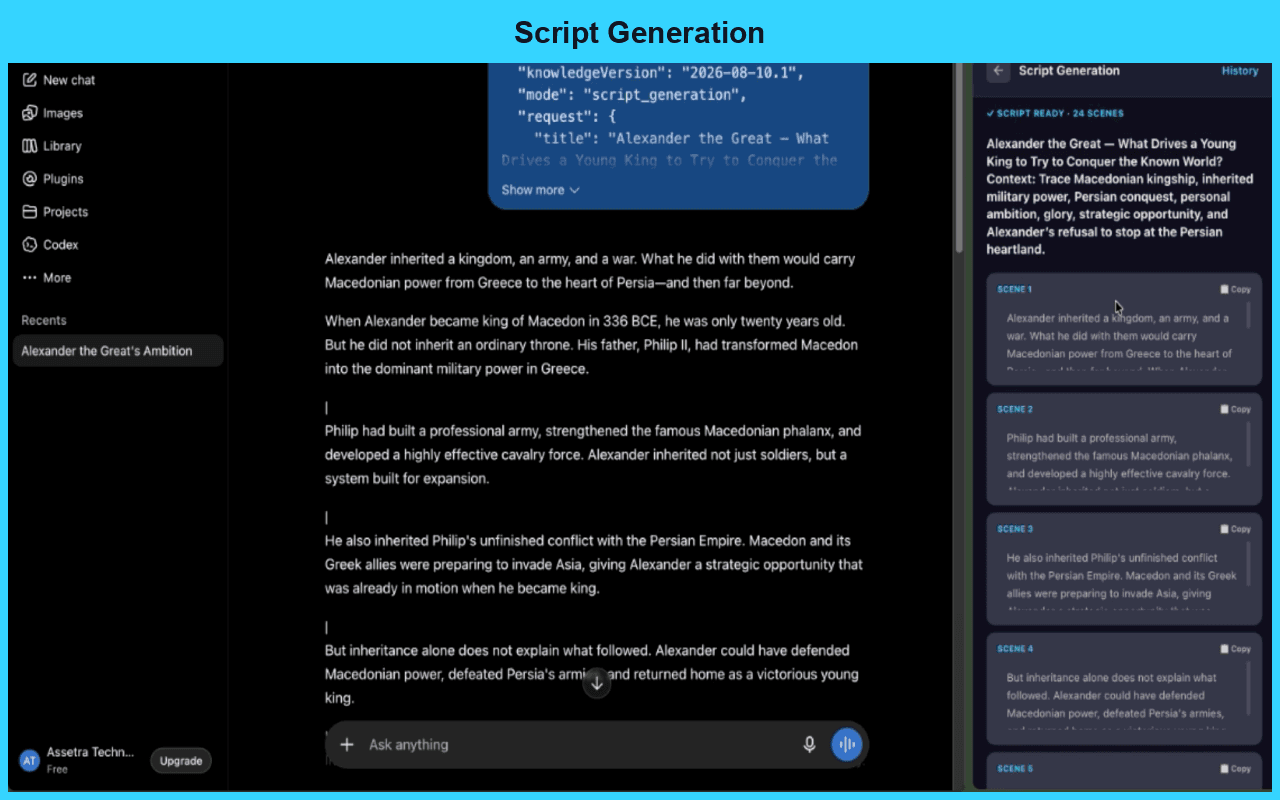
Script generation
Shape a creator-ready script with the duration, style, context, and production notes your video needs.
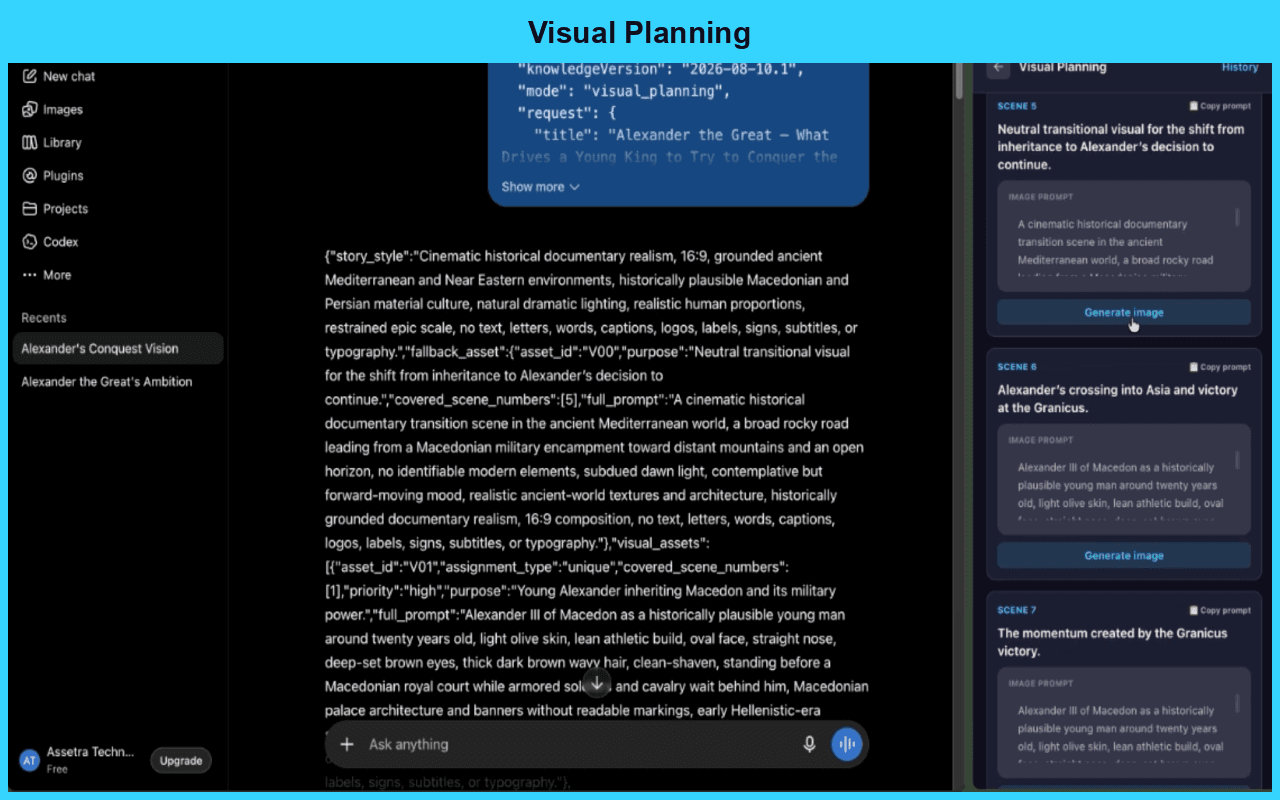
Visual planning
Break a script into scenes with clear visual direction and production-ready image prompts.
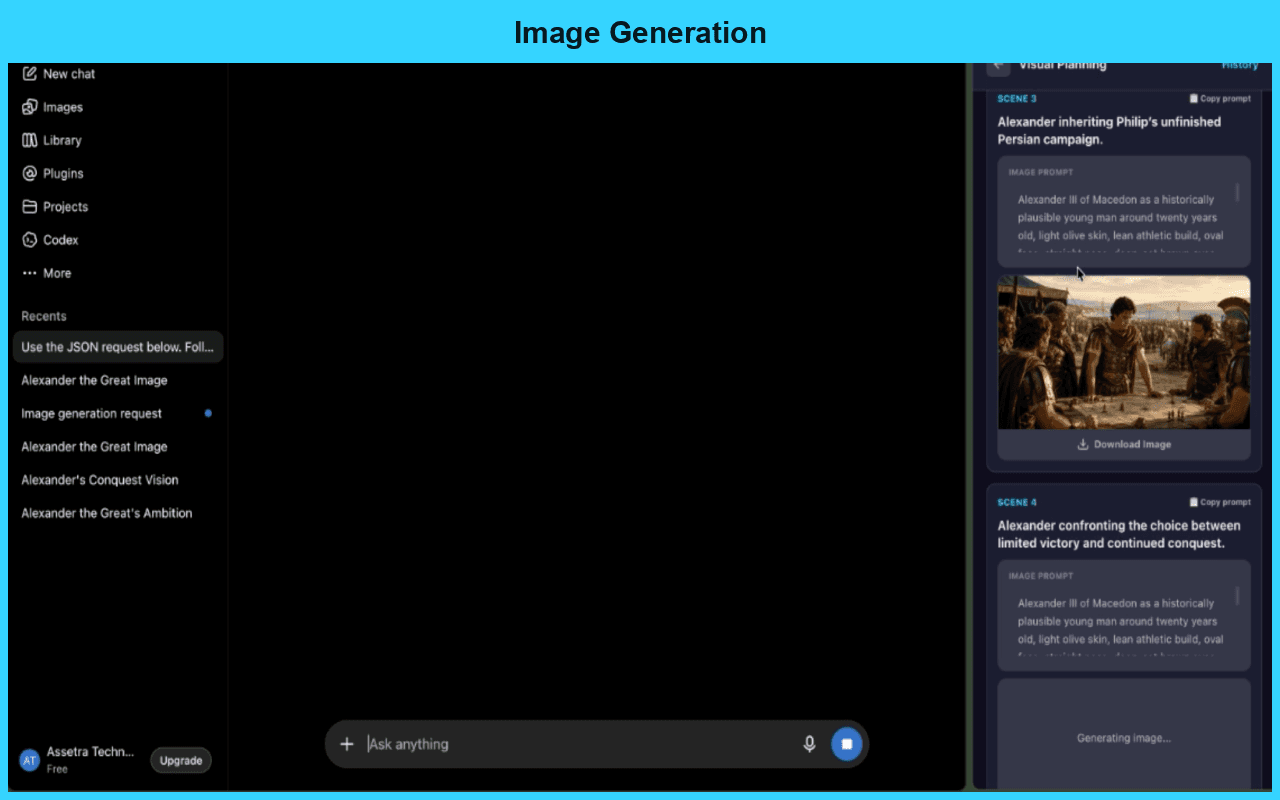
Image generation
Use the visual plan to create scene images and keep every production asset connected to the script.
Video walkthrough
Workflow
Use a signed-in ChatGPT tab and open ChatGPT Studio from the Chrome extension side panel.
Choose script generation or visual planning, then let the extension submit and capture the structured response.
Review the captured output and save the final script or storyboard plan to your Assetra account.
Questions
Yes. ChatGPT Studio is live and available to install from the Chrome Web Store.
No. ChatGPT Studio works with your own authenticated ChatGPT session in Chrome.
Assetra stores the final scripts and visual plans that you choose to save, along with account access and usage state.