AI image generation
Write a prompt, generate the image through Google Flow, and review the result from a creator-friendly extension panel.
Assetra Labs extension
Chrome Extension for Google Flow
Flow Studio gives creators a focused Chrome side panel beside Google Flow: generate AI images from prompts, turn prompts and reference images into AI video clips, and keep every result in your Assetra account.
Generate AI images and AI video clips from prompts and reference images with Google Flow, directly in your browser.
Flow Studio is live and available to install from the Chrome Web Store.
Flow Studio
Google Flow automation
Marketing hooks
Write a prompt, generate the image through Google Flow, and review the result from a creator-friendly extension panel.
Generate video clips from prompts and reference images with Google Flow, then download or continue with them on Assetra.
Upload PNG or JPG reference images alongside your prompt so clips stay consistent with the visuals you already have.
Scripts, text to speech, captions, music, and the full video studio live on Assetra AI, one click away from the side panel.
Screenshots
Explore the tools, generated results, and production steps directly beside the Google Flow or ChatGPT workspace where they run.
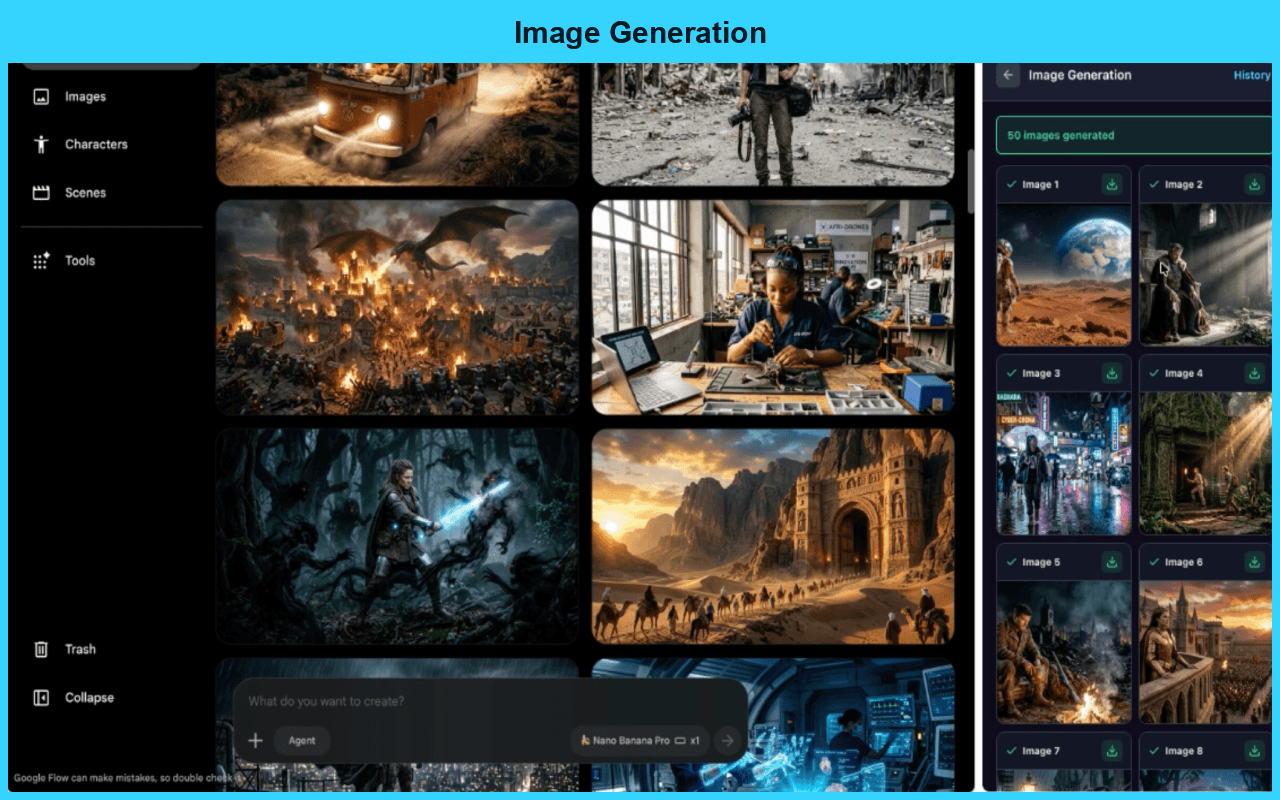
Image generation
Write a prompt, generate the image in Google Flow, and review the result from one connected workflow.
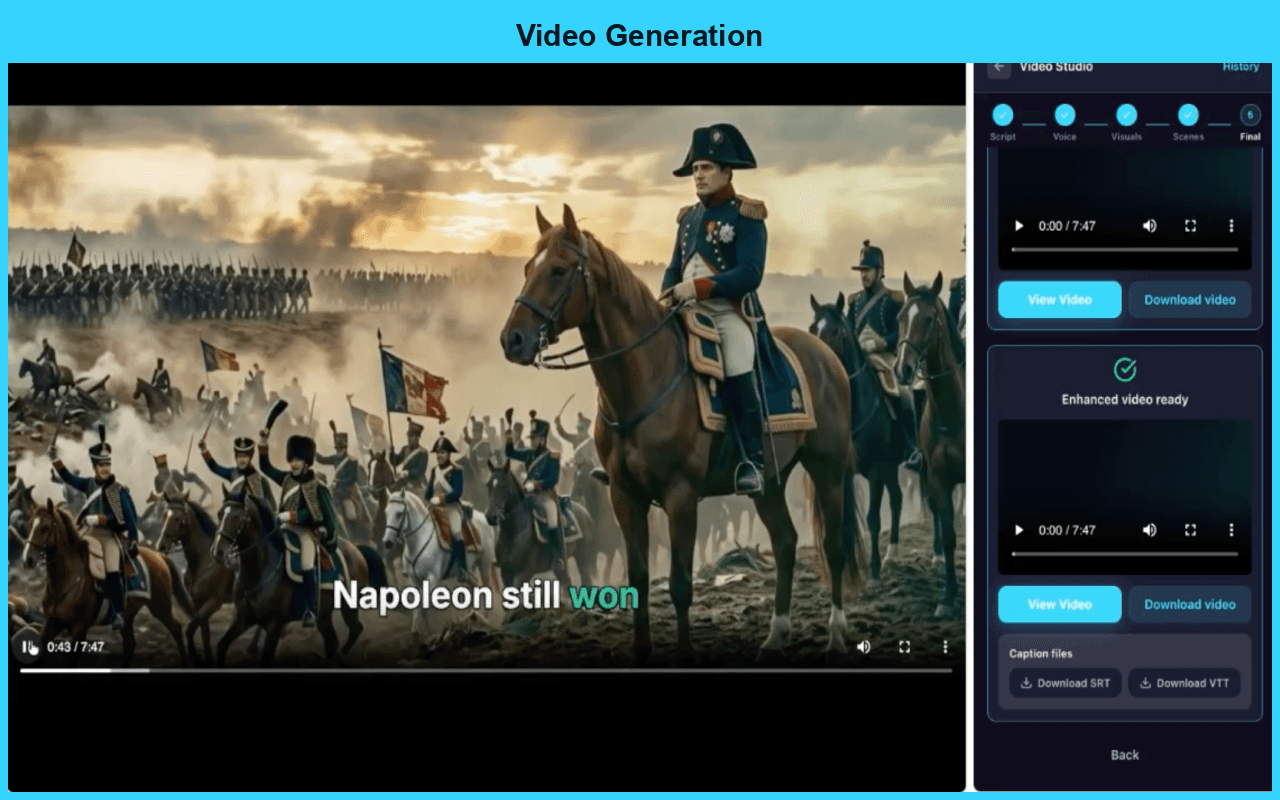
Video generation
Turn a prompt and optional reference images into video clips with Google Flow, then download them or continue on Assetra.
Video walkthrough
Workflow
Launch the extension from a supported Google Flow tab and keep the side panel beside your workspace.
Create AI images from prompts, or turn prompts and reference images into AI video clips.
Use your Assetra account to keep history, manage access, and continue larger production work on the platform.
Questions
Yes. Flow Studio is live and available to install from the Chrome Web Store.
Flow Studio is designed for Google Flow and uses the Chrome side panel for AI image generation and AI video generation. Scripts, text to speech, captions, music, and the video studio are available on Assetra AI.
Yes. Assetra handles account access, saved history, product access, and usage state for the extension.